This link includes this stage’s progress. Personal tasks stay private.Copy blank checklist linkOpens the current stage without your progress or port details.Shared checklist progressThe shared snapshot is shown below. Save or edit a task to keep it; dismiss to return to your saved checklist.This progress link is invalid or uses tasks that are no longer listed. Your saved checklist has not changed. Ask for a new link.{done} completed · {skipped} not applicable · {pending} to doView shared itemsCompletedNot applicableTo doSave this progressShared progress applied to this stage.Shared departure portUse this port to attach it to your checklist. Your tasks and progress will stay as they are.Use this portDismissThis shared port or terminal is no longer listed. Choose your port or confirm the terminal with your cruise line.Show QR code for this pageQR codeClose QR code modalQR code for {url}UnavailableSaved!Jenny TV QR codeScan to open this pageTravel • LifestyleShare QR imageCopy the selected link.Link copiedPage link
Apps by Jenny Media
Find apps for work, photos, health, and play.
Platform
Work & focusPhotos & mediaHealth & wellnessGames & play
FIND YOUR APP
Mac Companion
iPhone · iPad · iOS / iPadOS 26+
Your Mac, within reach.
See your Mac desktop, open an SSH Terminal, or use your iPhone or iPad as a trackpad and keyboard. Connect directly through the services built into macOS, with no Mac helper to install.
One Mac free · Files over SFTP · Optional Lifetime Pro
Mac Companion on iPhone & iPad · Prepared sample content
Your Mac desktop on iPhone and iPad, shown with prepared sample content.iPhone Duo Tabletop keeps the Mac desktop above the fold and the keyboard below.Keep an independent SSH Terminal and its controls close at hand. Sample output shown.
ShortcutCycle
Mac · macOS 14+
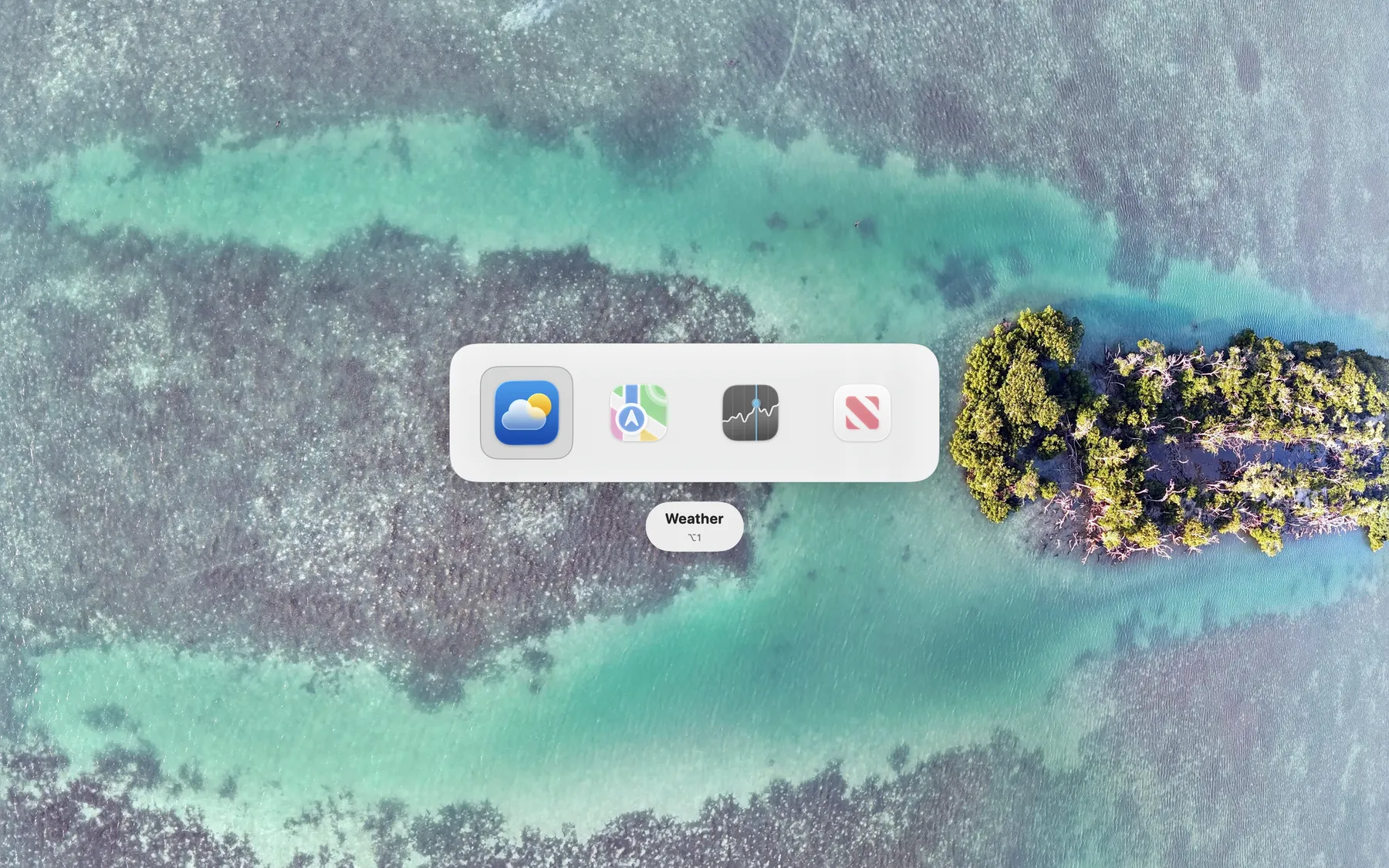
Switch between apps with a shortcut you choose.
Group the apps you use together and give each group its own shortcut. Press it to switch between the apps in that group.
Custom app groups · 15 languages · One-time purchase
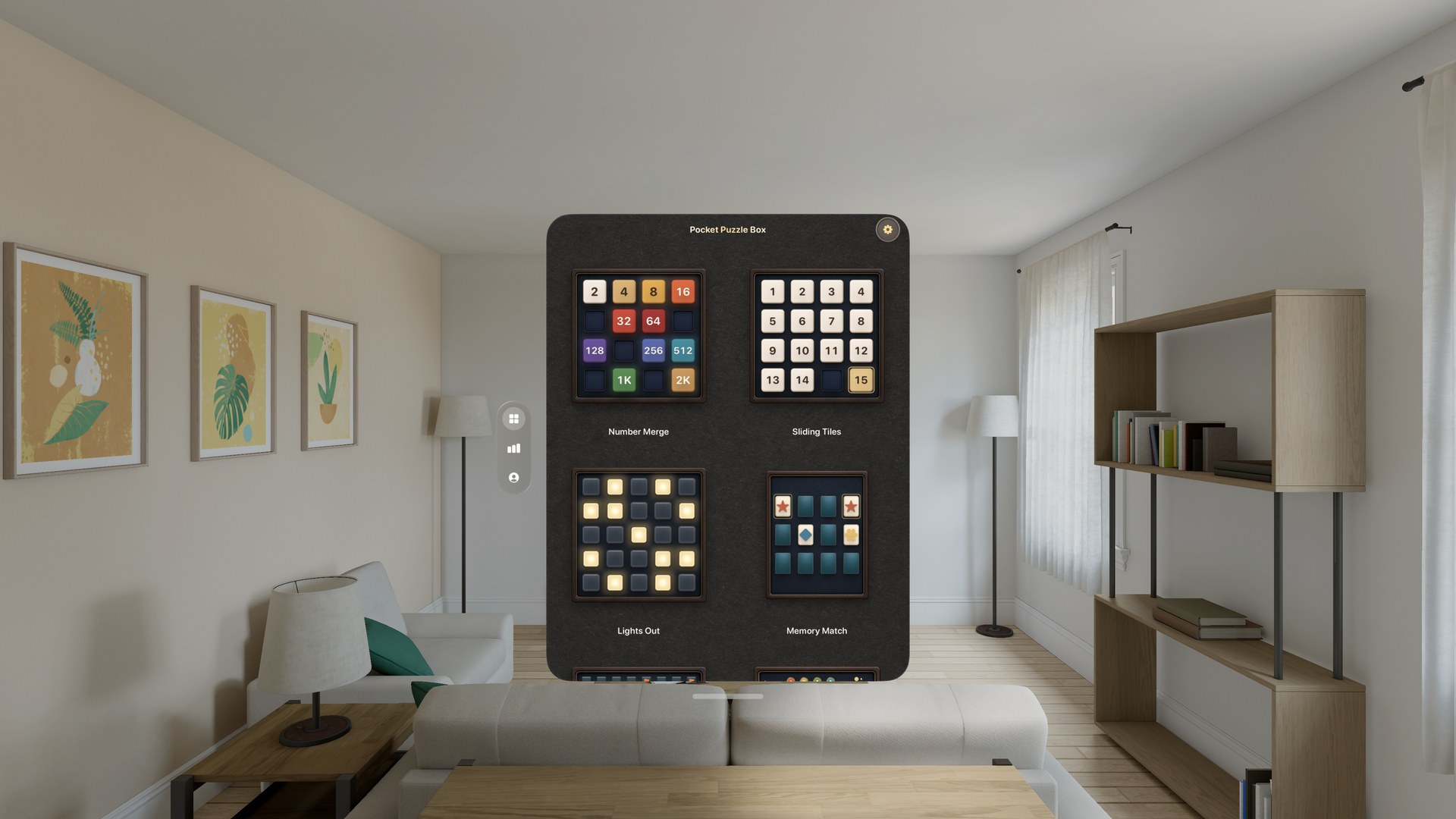
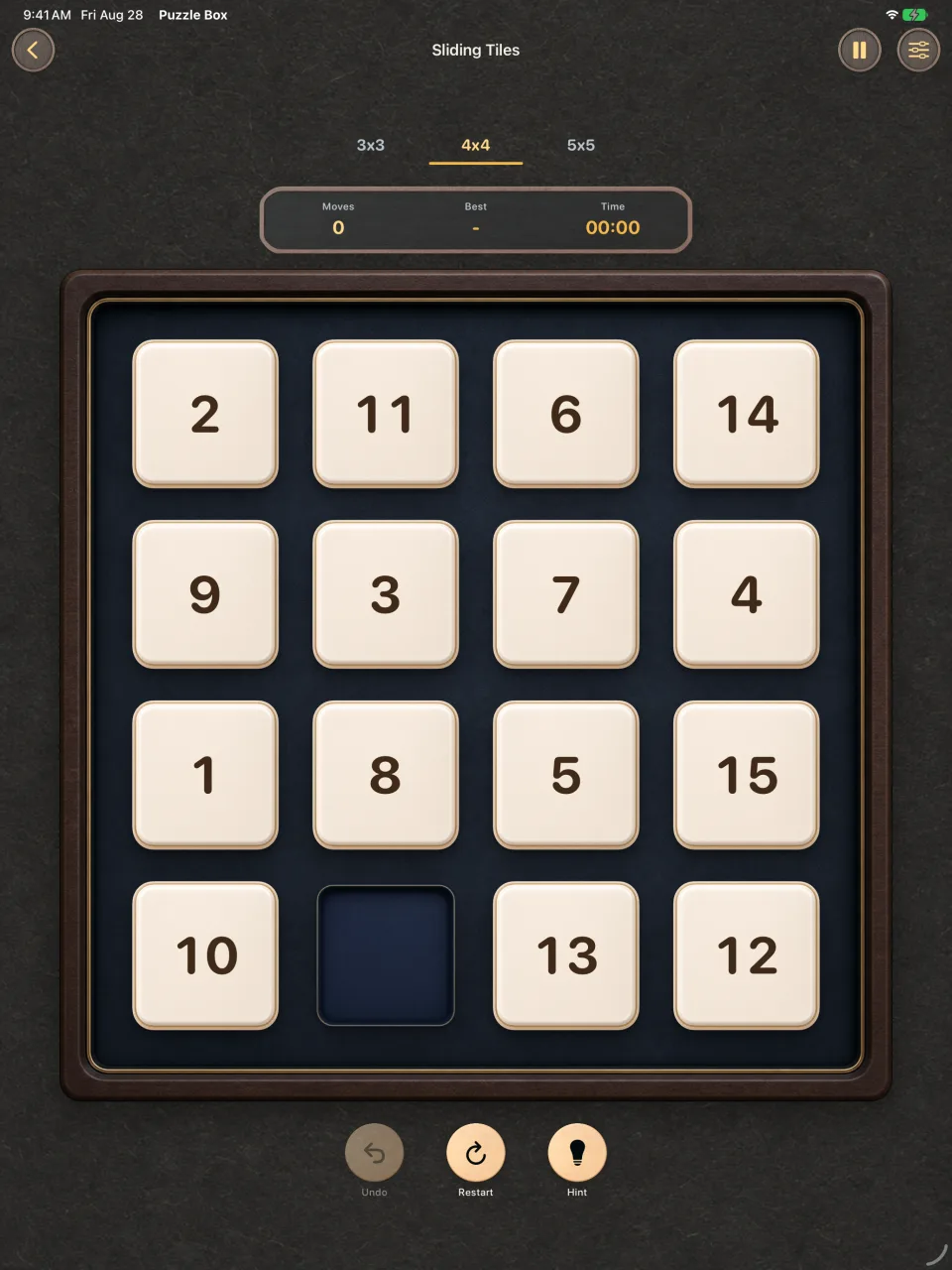
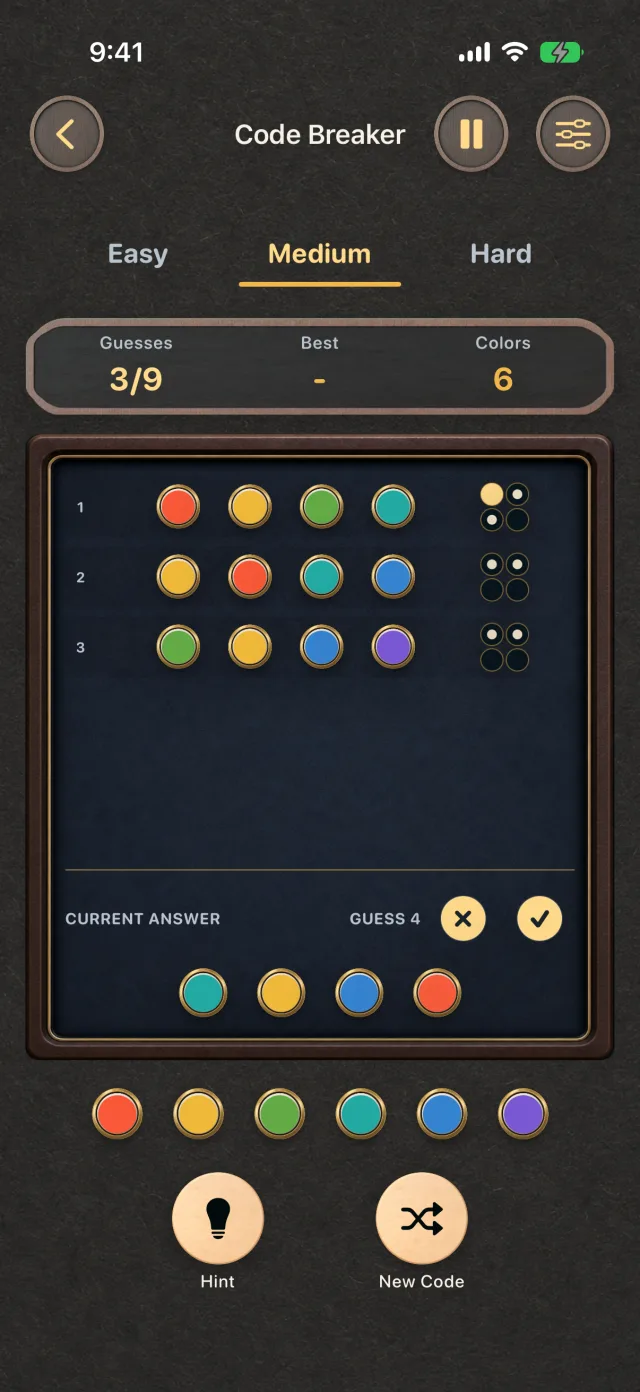
Choose from all fifteen puzzles on Apple Vision Pro.Settle into a sliding-tile puzzle at your own pace.Work through a quiet round of Code Breaker.
FrameWink
iPhone · iPad · iOS / iPadOS 15+
Give your photos a place in the room.
Choose your photos and enjoy a personal slideshow on your iPhone or iPad. FrameWink keeps its photo suggestions and display copies on your device, and leaves your originals in Photos unchanged.
Free Smart Reel · Up to 500 chosen photos · One-time Lifetime upgrade
Turn an iPad into a calm frame for a favorite photo.Display two complementary vertical photos side by side.Carry the same private photo frame on iPhone.iPhone Duo preview · An upcoming update, shown with sample photos.
Heart Rate Insights
iPhone · iPad · iOS / iPadOS 18+
Make sense of your heart-rate history.
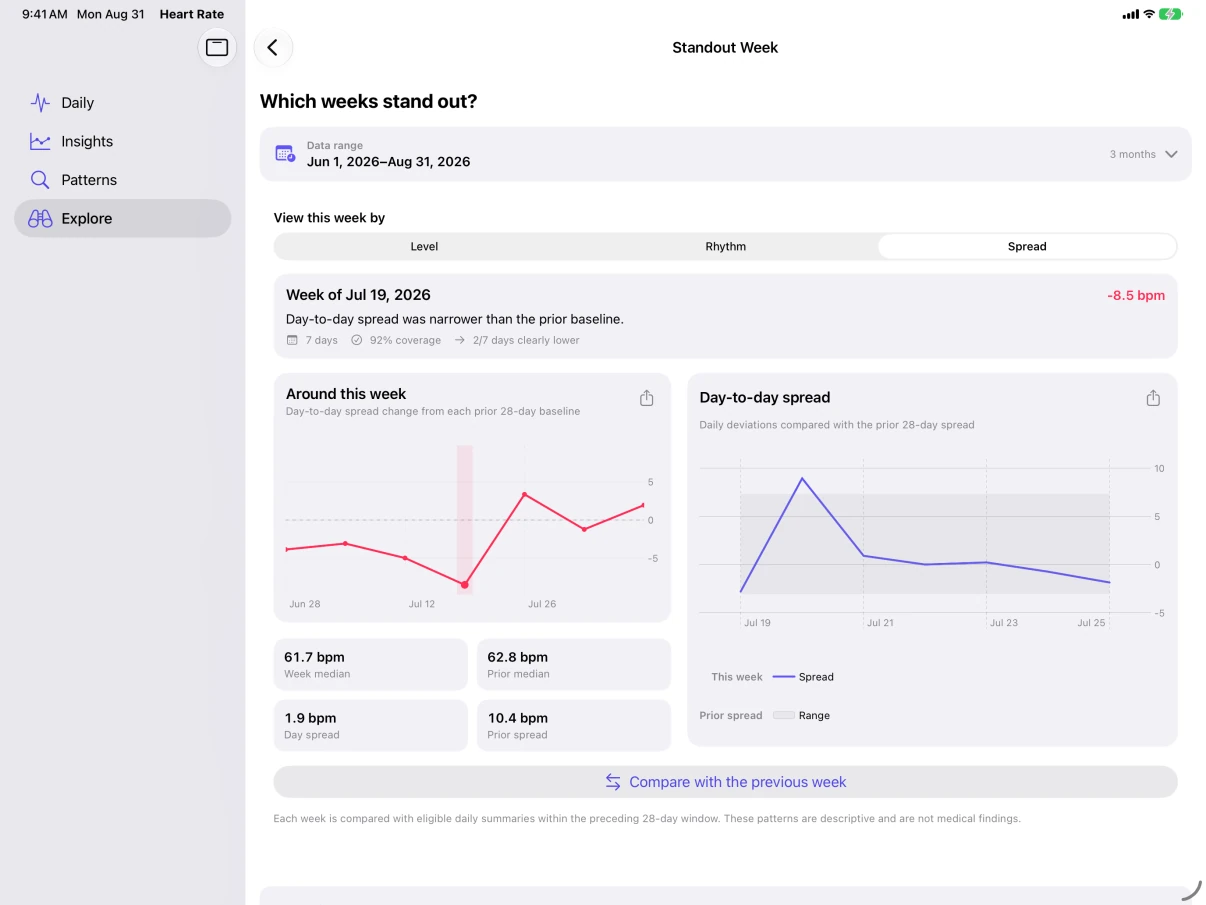
Explore readings already in Apple Health, compare periods, and look closer at weeks that stand out. Try it with sample data before connecting your own history.
Analysis on your device · Save reports and export data · Free with an optional Pro upgrade
For personal review, not diagnosis or live monitoring.
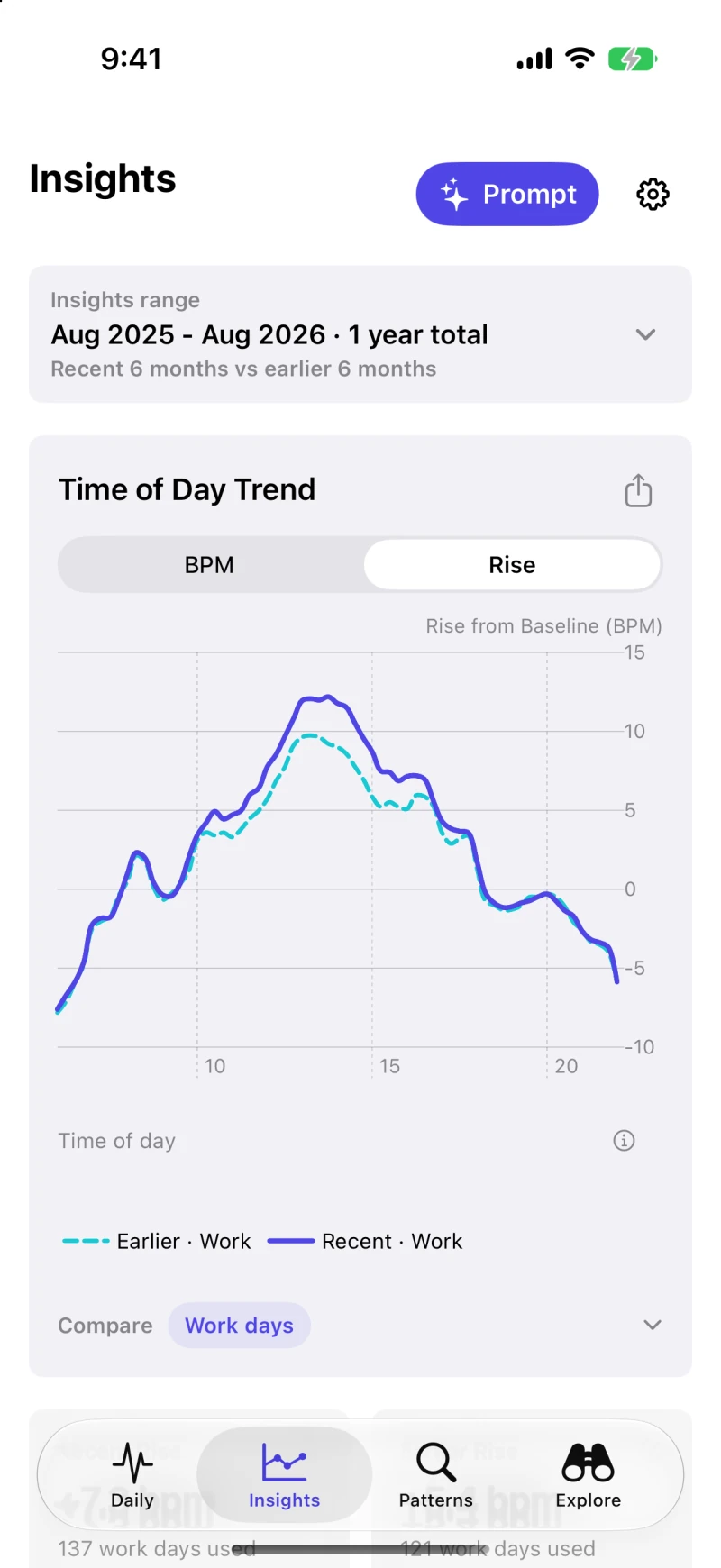
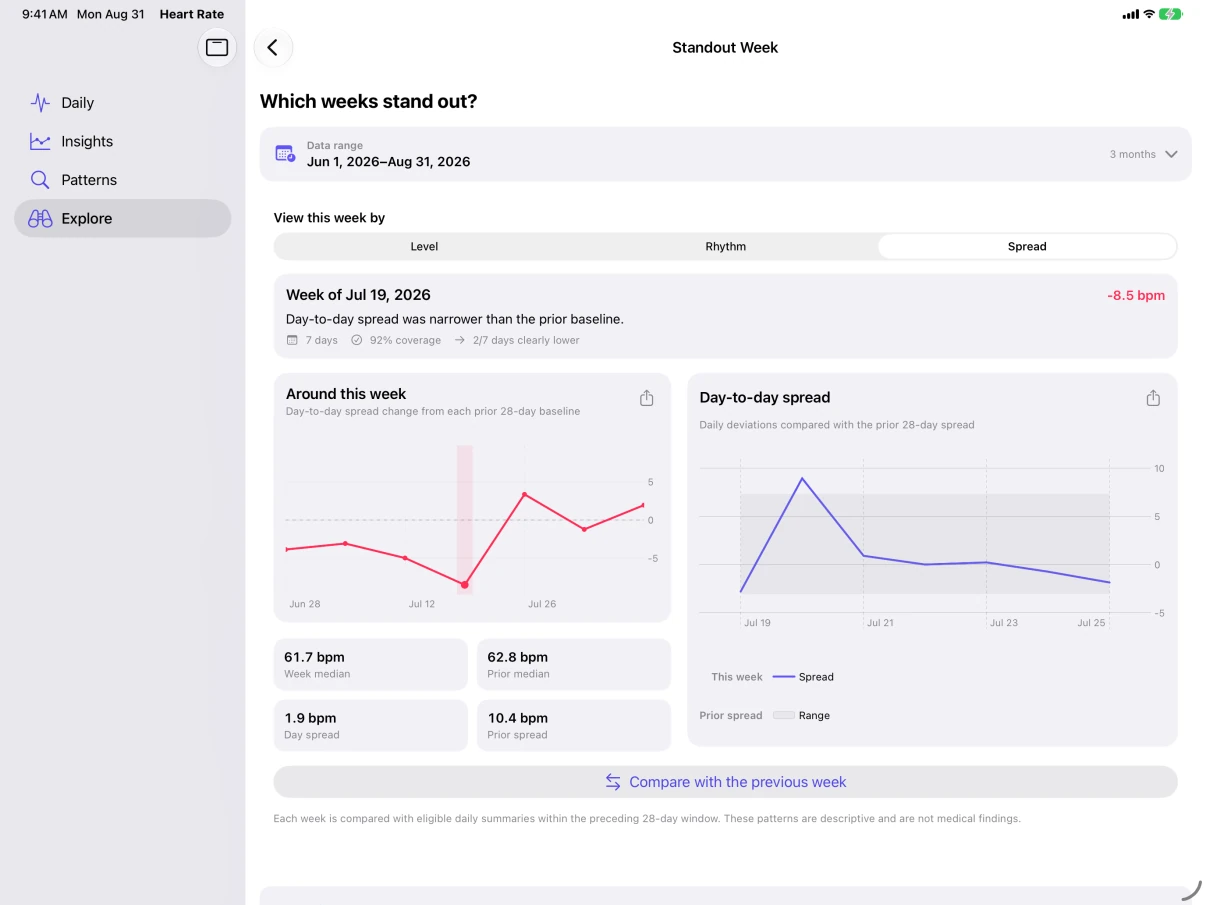
Review daily readings, typical range, and coverage using sample data.See how heart-rate patterns change across the day.Look closer at a standout week on iPad.
SD Card Import
Mac · Apple silicon & Intel · macOS 14+
From camera card to organized folders.
Preview photos, videos, and destination folders before copying. Organize by capture date, skip files already imported, and safely eject verified removable cards.
14-day free trial with unlimited imports · One-time lifetime purchase · No subscription
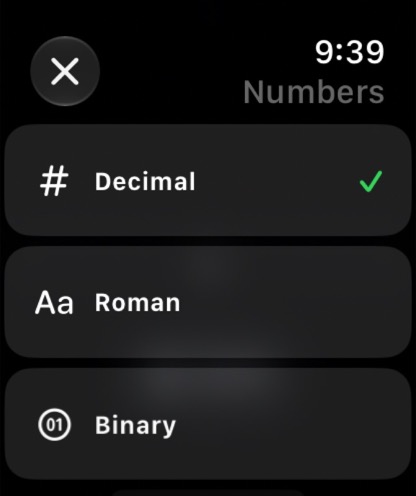
Turn your Apple Watch’s Digital Crown through an endless scroll of numbers. Choose from 15 patterns of clicks and vibrations for a quiet moment of focus or a quick break.
15 vibration patterns · No ads or tracking · One-time purchase
Endless Crown on Apple Watch · Haptic effects & number formats
Tab Manager v2
Chrome · Firefox · Edge
Too many tabs, handled.
See and search every tab across every browser window in one place. Move several tabs at once, organize tab groups in supported browsers, and close duplicates without switching between windows.
Free and open source · Works in your browser · No analytics or tracking
Tab Manager v2 · Searchable workspace across every window
Expense Map
iPhone · iOS 27+
Your spending. Clearly mapped.
Capture a receipt, speak, or type an expense. Review the details, then explore spending by date, currency, and place. No account or bank connection needed.
14-day free trial · One-time unlock · No subscription
Browse fictional expenses by day and original currency.Explore where expenses happened in the demo library.Preview and check a file before importing it.